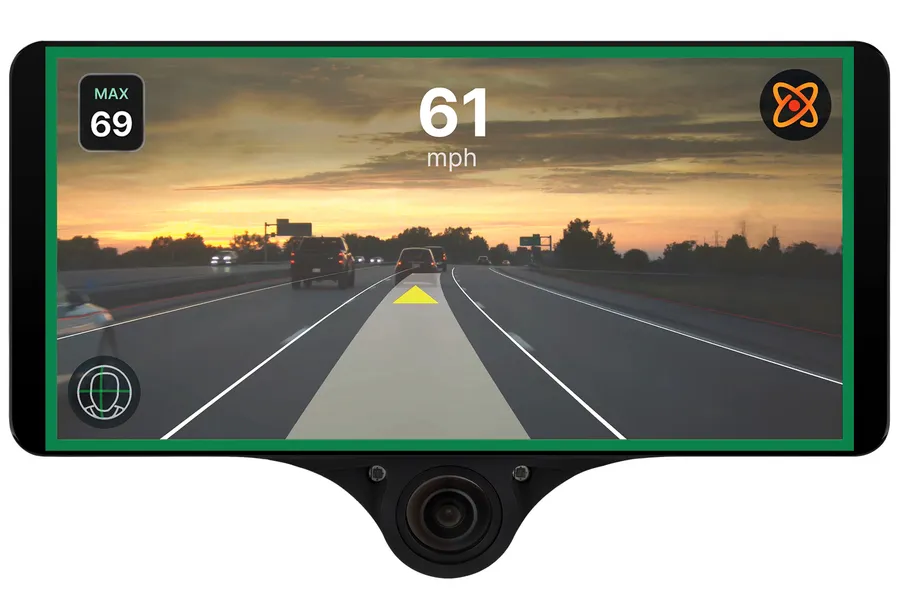
Maintaining your comma 3X
Broken screen
Replacement screens for the comma 3X are available in the shop. See the product page for details and repair terms.
Replacing your SIM card
How to replace the SIM card in a comma 3X
Performing a factory reset
Reset the comma 3X by repeatedly tapping on the screen as soon as the device boots up. After that, the factory reset screen will come up.
If this does not work, a more complete factory reset can be performed at flash.comma.ai.
In-warranty repairs
If you are having issues with your comma 3X and it is still under warranty, you can open a support ticket for help.
Before opening a ticket:
- Use only comma mounts, harnesses, and cables, and reseat all connections.
- Flash your device and install the latest stock openpilot release.
- Capture a route on stock openpilot where the issue occurs.
Out-of-warranty repairs
We offer trade-ins for eligible devices. See upgrading to a comma four below for details.
Upgrading to a comma four
You can trade in your comma 3X for $50 credit toward a new comma four, regardless of its condition. The offer is for the original purchaser of the comma 3X when buying a new comma four. Select the trade-in option on the comma four product page and send your 3X back within 30 days of receiving the new device.