Open the compatibility page
Start on the vehicle compatibility page. Its listings cover specific makes, models, model years, and factory equipment. They describe cars sold in the United States unless a listing says otherwise.
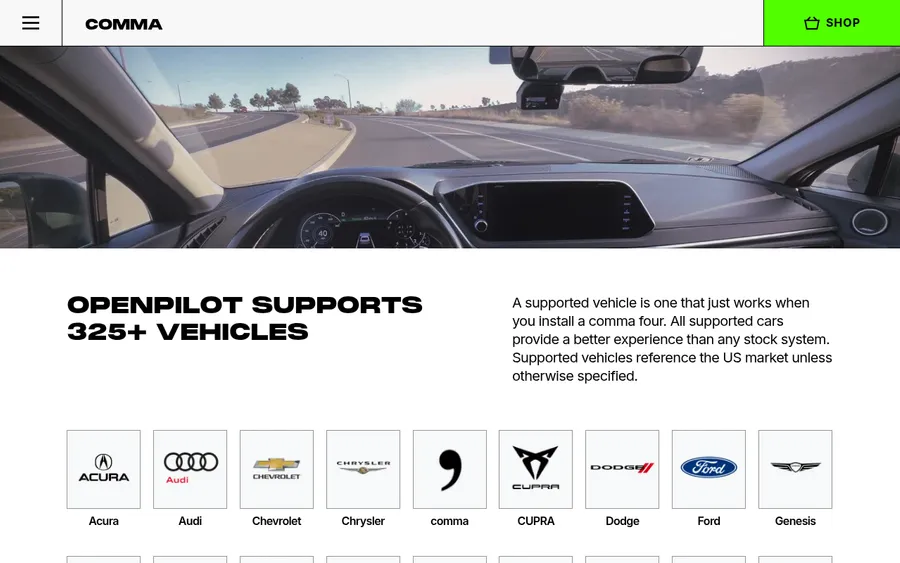
Choose your car's make from the icons to jump to its listings. You can also use your browser's Find command (Ctrl+F on Windows or Command+F on Mac) to look for a make or model on the page.
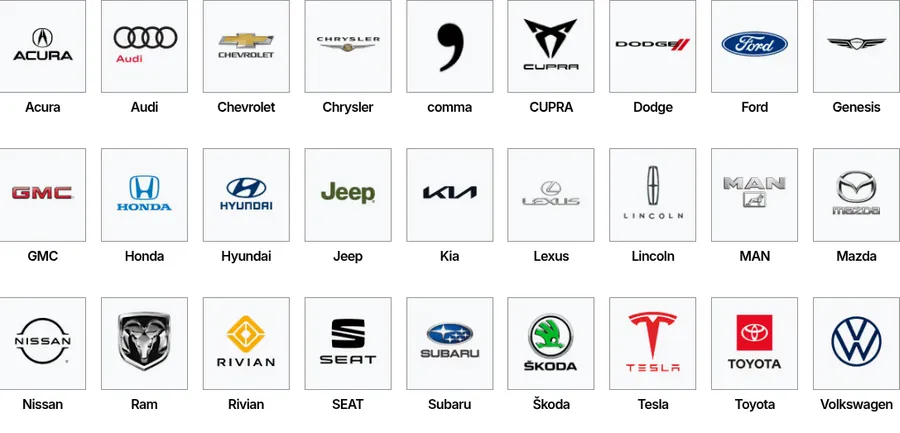
Find your model and year
The make link takes you to that manufacturer's list. Find your exact model, including whether it is a hybrid, and compare its listed years with your car's model year.
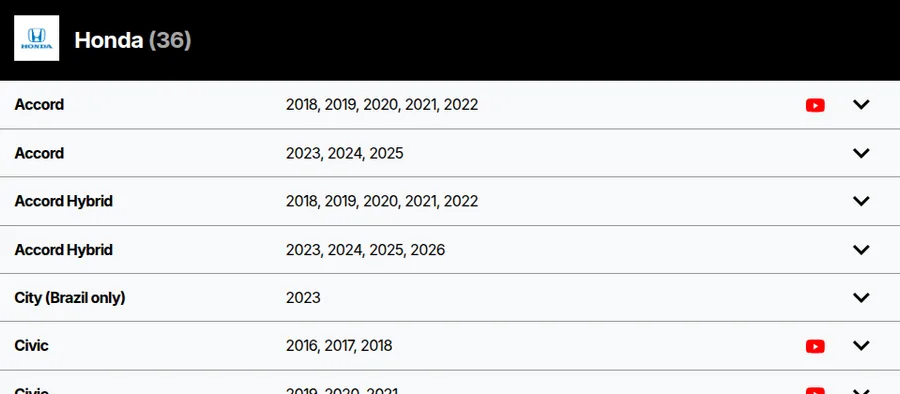
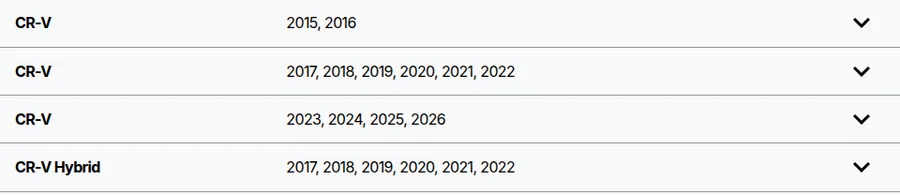
For example, a 2019 Honda CR-V falls in the 2017–22 CR-V row. The 2015–16 and 2023–26 rows are different listings, and the CR-V Hybrid has its own rows.
Use the model year on your registration, insurance documents, or the label inside the driver's door; it may differ from the year you bought the car. A car with the same name in another market may also have different equipment. If your exact model and year are not listed, do not assume a nearby year or trim is compatible. You can sign up for updates in the Don't see your car? section at the top of the page. If you have automotive programming experience, see the openpilot car porting guide.
Read the vehicle card
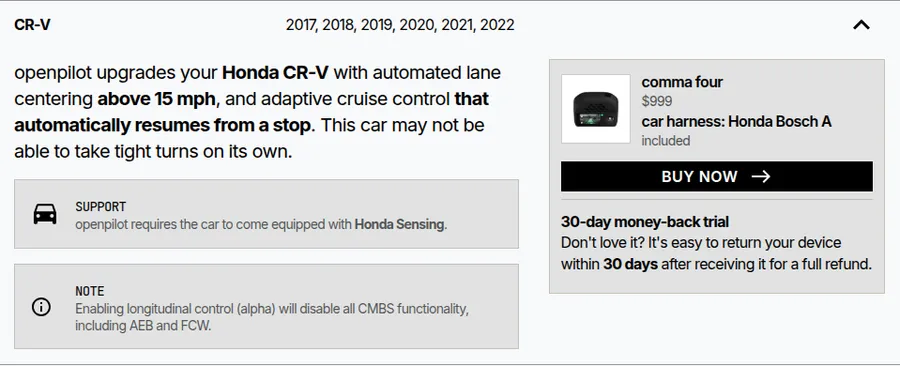
Click the row for your model and year. The text at the top describes what openpilot can do on that car. Read the Support card to see whether every package and trim works or whether your car needs specific factory equipment. Read every Note for limitations, and check the harness name shown beside the comma four.
This Honda CR-V needs Honda Sensing. Its Note also explains a limitation of an optional control mode.
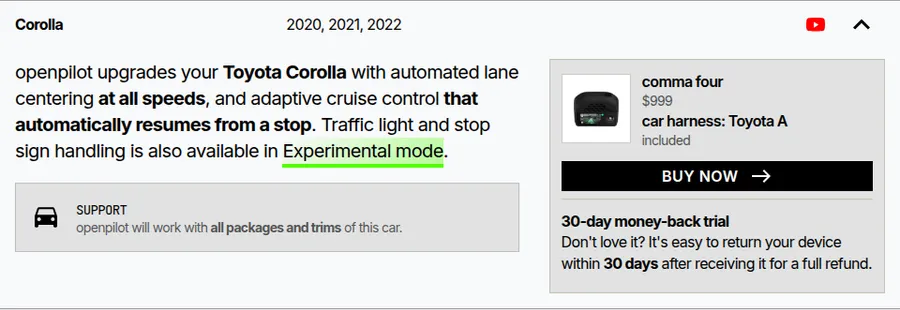
Other cards say all packages and trims, as this Toyota Corolla example does. If a card names a required feature or package, check your car's window sticker, build sheet, or owner's manual before ordering. Similar buttons or feature names alone do not confirm that the required system is installed.
If you see your exact car and trim, your car is supported! You are ready to buy a comma four with a matching harness.
Buy a comma four with the matching harness
Once you have confirmed the exact listing and any required equipment, select Buy now in the vehicle card. The comma four shop page selects that car and its matching harness. Check the model, year range, and Support requirement again before adding the device to your cart.
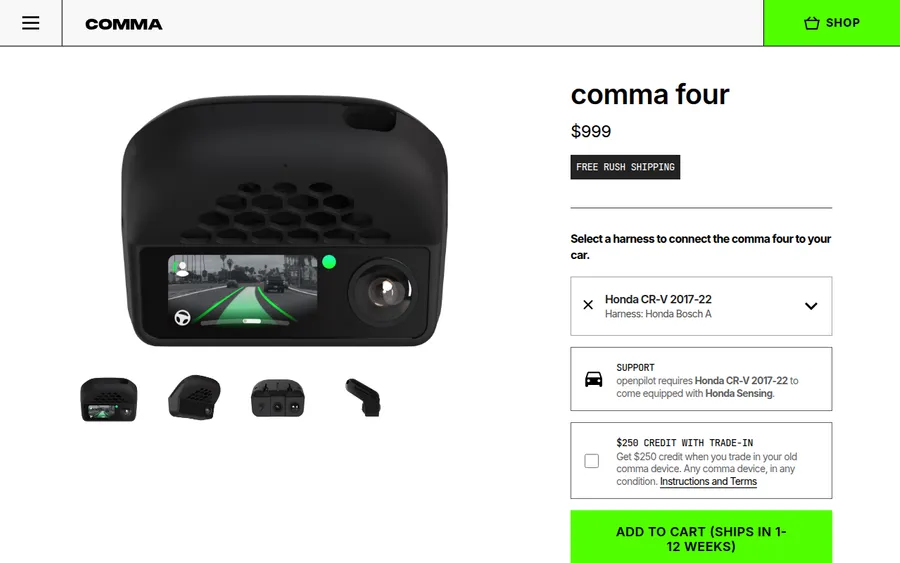
If your exact make, model, and year are listed and your car has the required trim or factory equipment, it is compatible; you can buy a comma four with its matching harness from the vehicle card.